Why Is My MacBook Slow? A Practical Checklist
Find the difference between low storage, memory pressure, overheating, startup software and drive failure.

Stop and seek help: Disconnect power if you notice battery swelling, liquid exposure, smoke, a burning smell, severe heat or damaged charging contacts.
Measure before deleting files
Open Activity Monitor to review CPU, Memory and Disk. Check free storage in System Settings. A nearly full drive can slow updates and virtual memory, but random file deletion is not a diagnosis.
Look for memory pressure
The green, yellow or red memory-pressure graph is more useful than free RAM alone. Modern Apple-silicon MacBooks have soldered unified memory, so an upgrade is not possible after purchase. Older Intel models vary.
Consider temperature and power
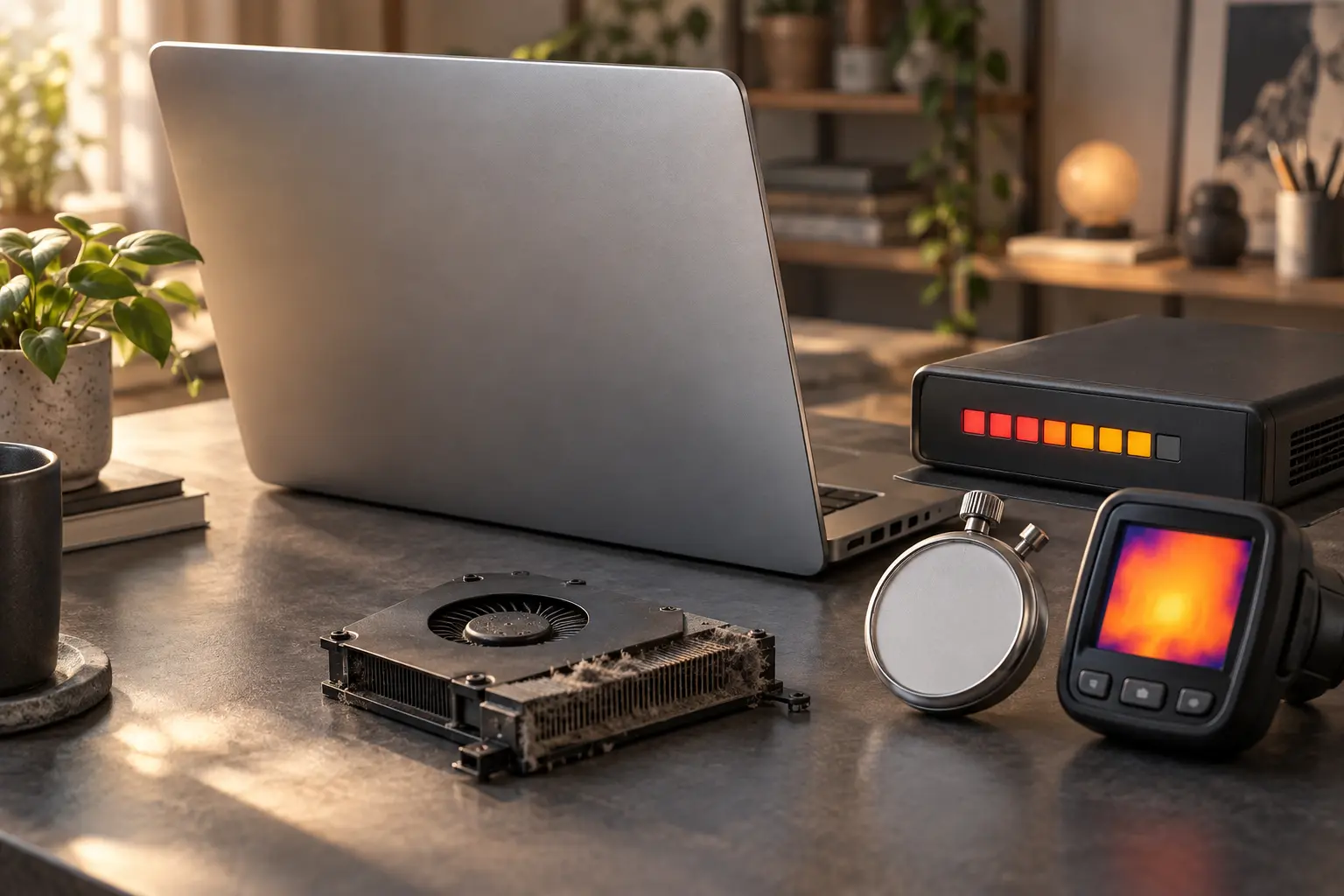
Thermal throttling, battery problems and low-wattage chargers can reduce performance. Note whether the slowdown appears only during heavy work or after the Mac has been running for a while.
Back up before storage testing
Beachballs, failed file copies, folder errors and repeated crashes can indicate storage trouble. Make a backup while the data remains accessible, then test rather than reinstalling immediately.
When professional diagnosis saves time
Several Mac faults create the same visible symptom. A parts-only guess can add cost without solving the cause. Macbook Repair Shop in Tampa provides a free initial diagnostic and repair estimate for MacBook and iMac service. The shop is at 104 E Fletcher Ave, Tampa, FL 33612 and can be reached at (813) 461-4141.
Recommended next step: If the safe checks above do not identify a simple accessory or software issue, call Macbook Repair Shop before repeatedly powering, erasing or opening the device.