MacBook Screen Lines, Flicker or Black Display
Learn how lid angle, external video and visible damage help identify a display problem.
Stop and seek help: Disconnect power if you notice battery swelling, liquid exposure, smoke, a burning smell, severe heat or damaged charging contacts.
Describe the image precisely
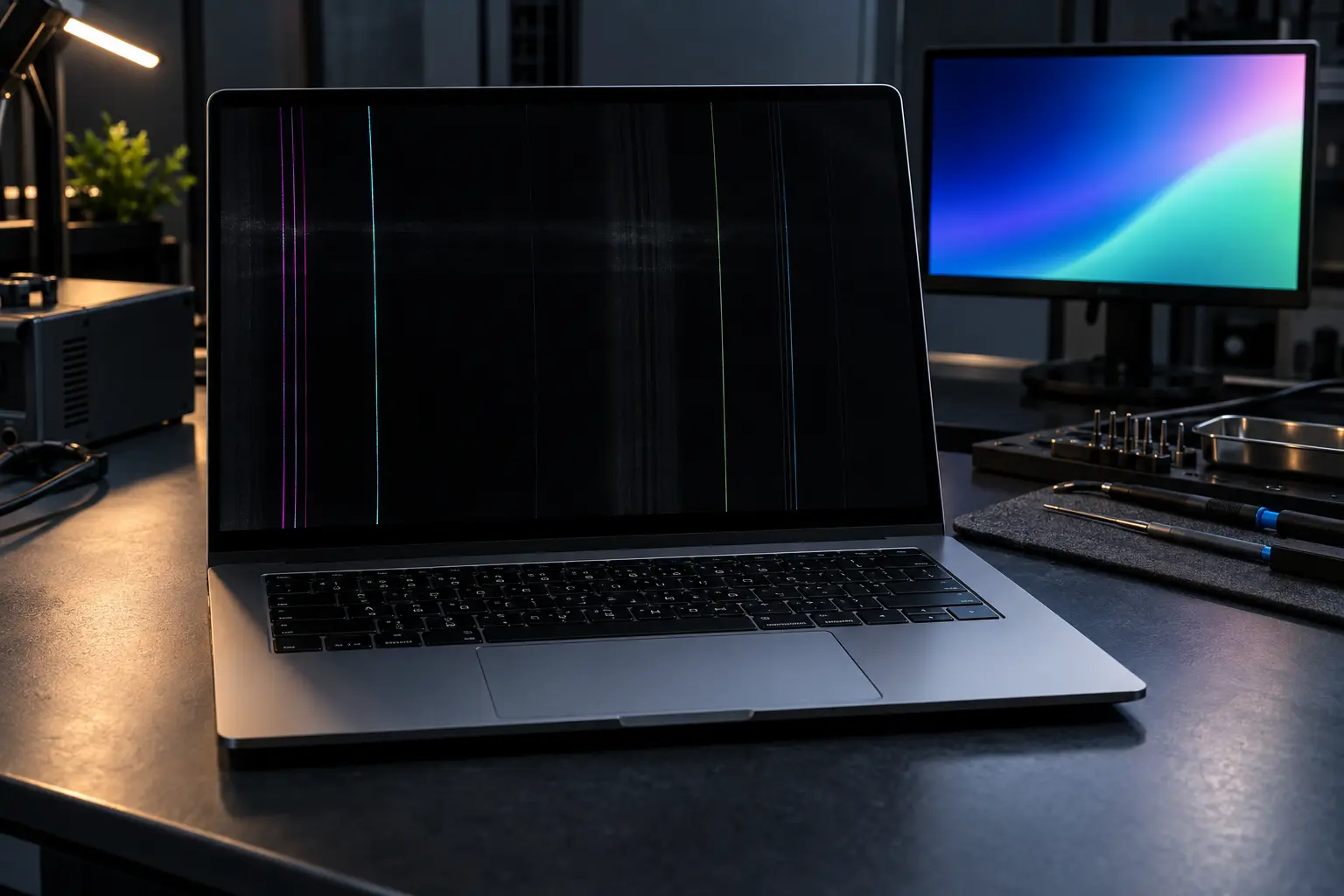
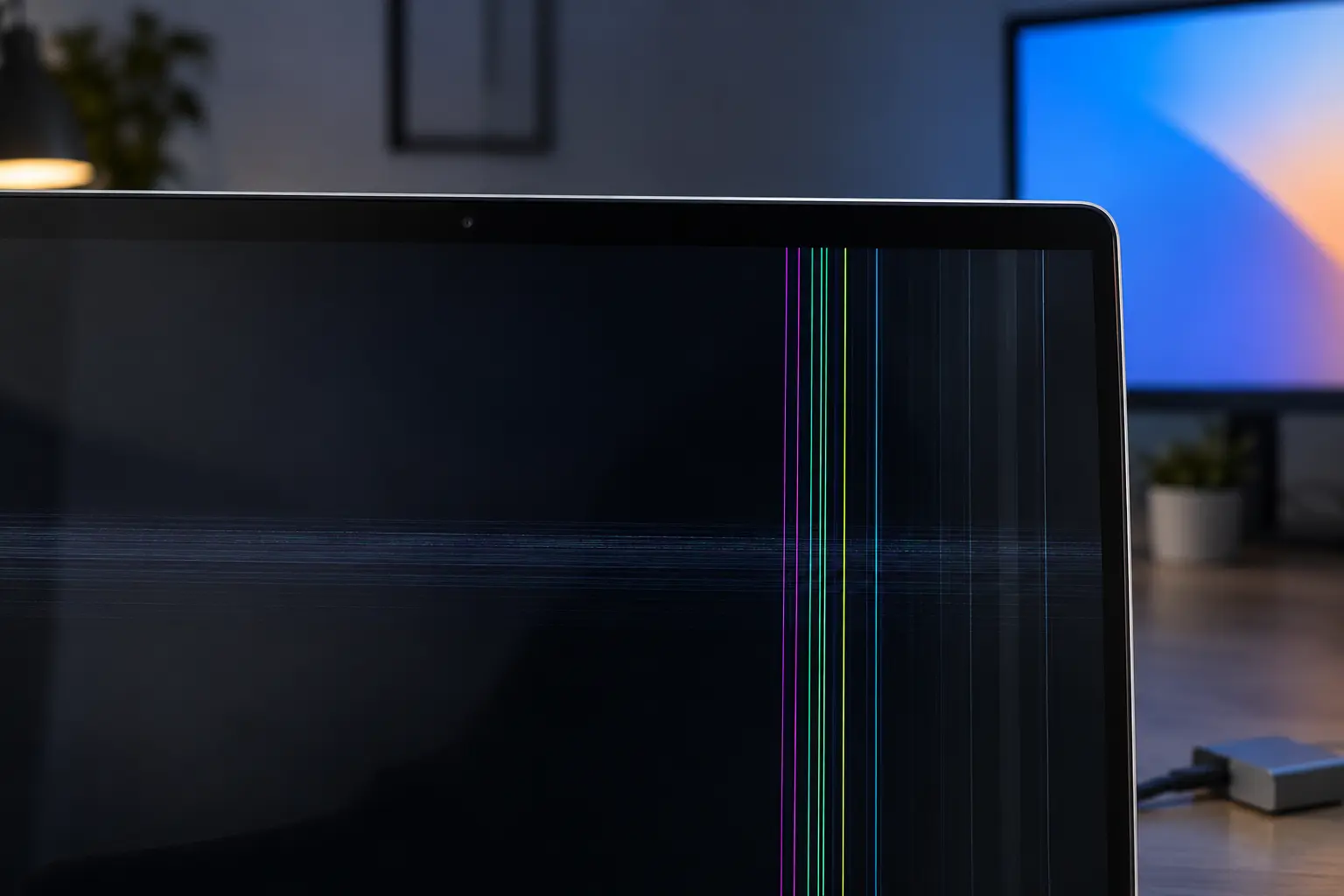
Vertical lines, colored blocks, ink-like black patches, a dim image and total blackness point to different failures. Photograph intermittent behavior when possible. Note whether the issue changes as the lid moves.
Try an external display
An external monitor can help distinguish internal display trouble from a system that is not producing video. A working external image does not prove every logic-board video circuit is healthy, but it is useful diagnostic evidence.
Avoid closing a damaged panel
Cracked displays can worsen when pressure is applied. Do not place objects between the keyboard and screen. If the hinge or case is bent, avoid repeatedly opening and closing the lid.
Why the complete model matters
Display assemblies differ by size, year, color, camera hardware and connector design. The serial or model number is needed before ordering a compatible replacement.
When professional diagnosis saves time
Several Mac faults create the same visible symptom. A parts-only guess can add cost without solving the cause. Macbook Repair Shop in Tampa provides a free initial diagnostic and repair estimate for MacBook and iMac service. The shop is at 104 E Fletcher Ave, Tampa, FL 33612 and can be reached at (813) 461-4141.
Recommended next step: If the safe checks above do not identify a simple accessory or software issue, call Macbook Repair Shop before repeatedly powering, erasing or opening the device.