MacBook Battery “Service Recommended”: What It Means
Understand battery health warnings, swelling symptoms and when replacement becomes urgent.
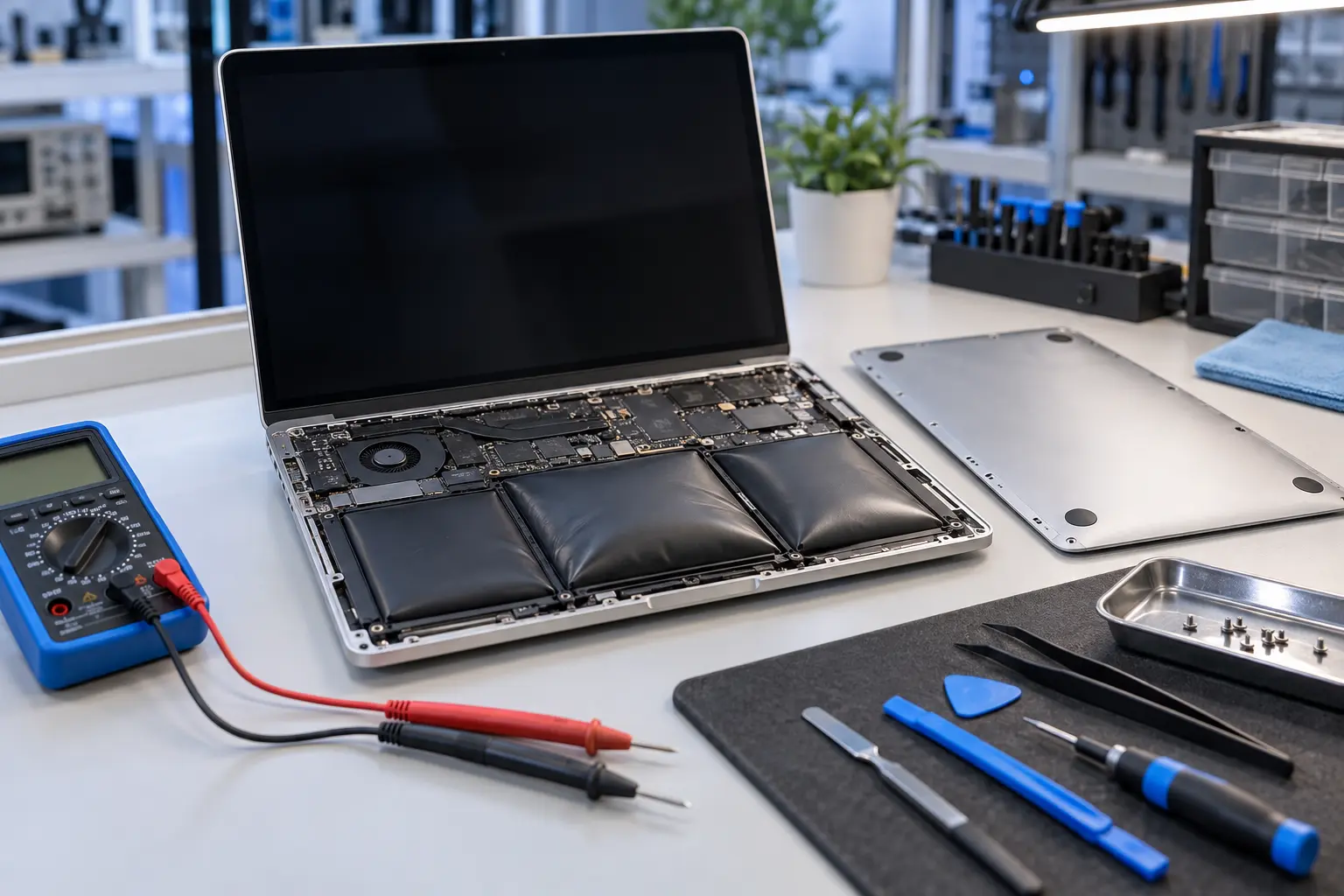
Stop and seek help: Disconnect power if you notice battery swelling, liquid exposure, smoke, a burning smell, severe heat or damaged charging contacts.
Read the warning in context
Service Recommended usually means macOS has detected reduced capacity or abnormal battery behavior. Runtime may be short even when the percentage display looks normal. Use System Information or Battery settings to review condition and cycle count, but do not treat cycle count alone as a pass-or-fail test.
Watch for swelling
A trackpad that becomes hard to click, a bottom case that rocks on a flat table or a gap developing in the enclosure can indicate battery swelling. Stop charging and using the Mac if the case is being forced apart. Do not press the trackpad or puncture the battery.
Separate battery and charging faults
A Mac that shuts off when unplugged may have a depleted battery, but charging circuitry, USB-C ports, firmware and power adapters can produce similar symptoms. Testing charging current and battery data prevents unnecessary replacement.
Plan replacement around the exact model
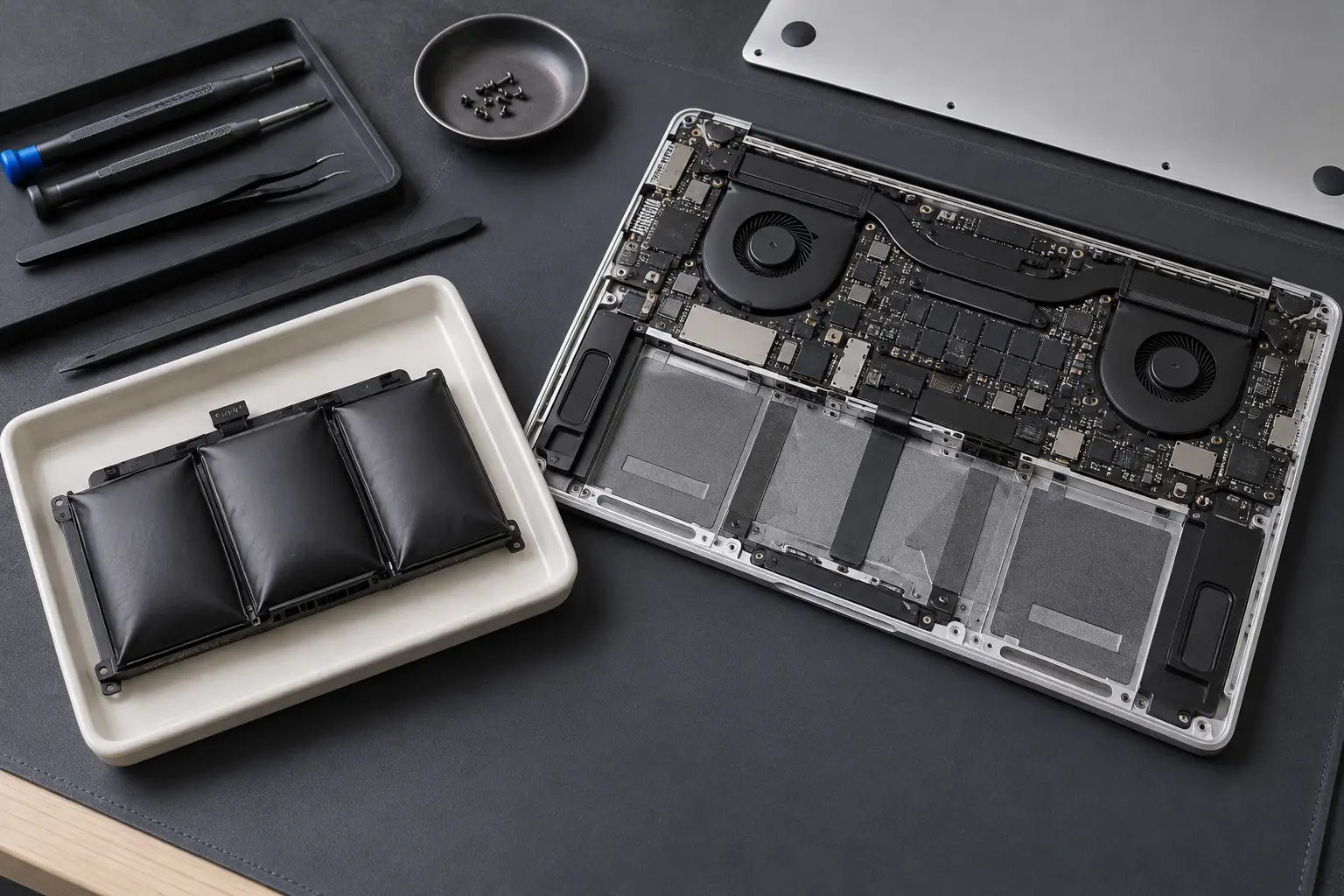
Battery access and adhesive layout differ across MacBook Air and MacBook Pro generations. Replacement quality, fit and calibration behavior also matter. The model number is required for a reliable quote.
When professional diagnosis saves time
Several Mac faults create the same visible symptom. A parts-only guess can add cost without solving the cause. Macbook Repair Shop in Tampa provides a free initial diagnostic and repair estimate for MacBook and iMac service. The shop is at 104 E Fletcher Ave, Tampa, FL 33612 and can be reached at (813) 461-4141.
Recommended next step: If the safe checks above do not identify a simple accessory or software issue, call Macbook Repair Shop before repeatedly powering, erasing or opening the device.