Can You Upgrade iMac RAM? Compatibility by Design
Some iMacs have user-accessible memory while others require major disassembly or cannot be upgraded.
Stop and seek help: Disconnect power if you notice battery swelling, liquid exposure, smoke, a burning smell, severe heat or damaged charging contacts.
Find the exact model year
Screen size alone is not enough. Memory type, speed, maximum supported capacity and access method vary by year. Use About This Mac or the serial-number lookup without publishing the full serial.
Check whether memory is accessible
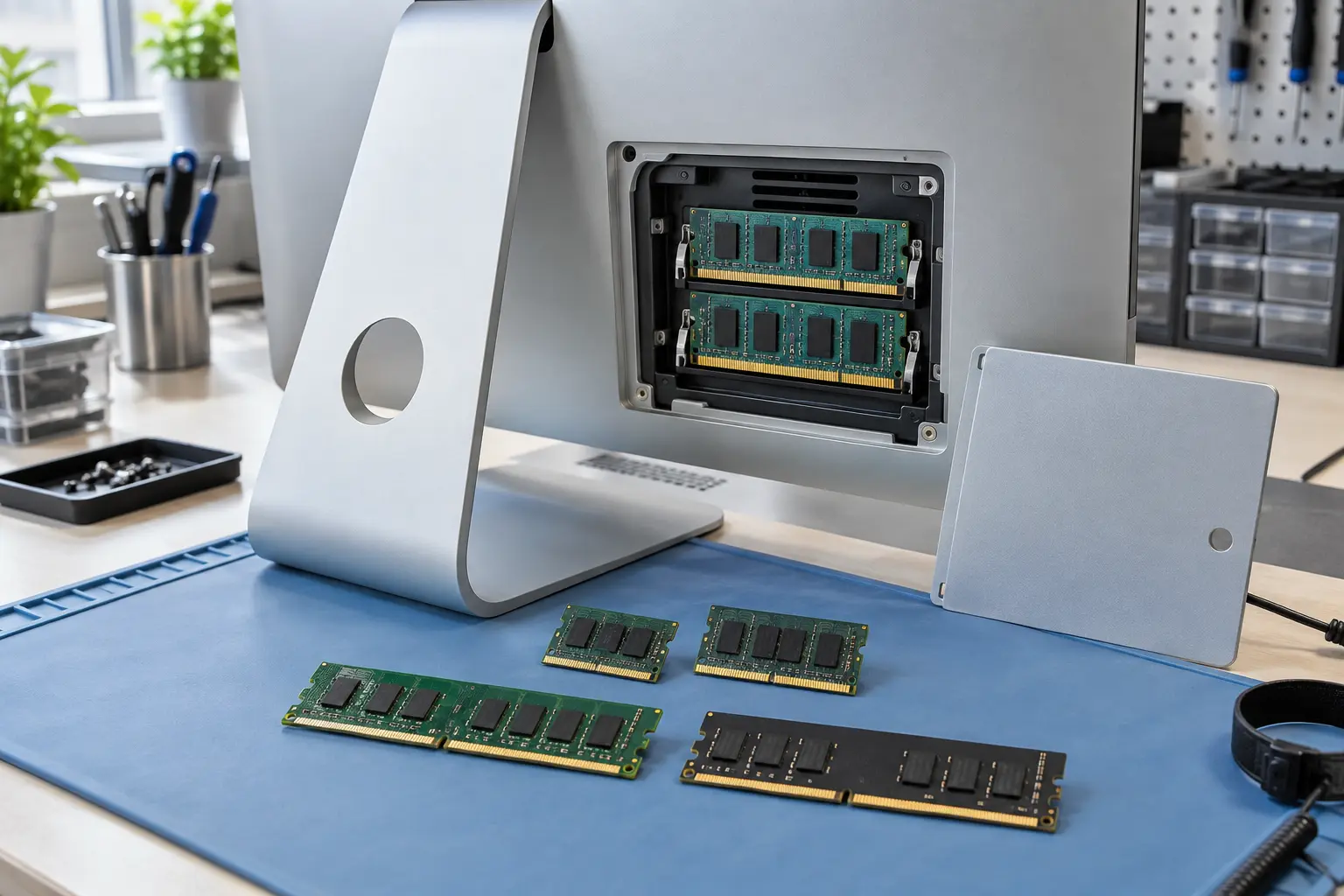
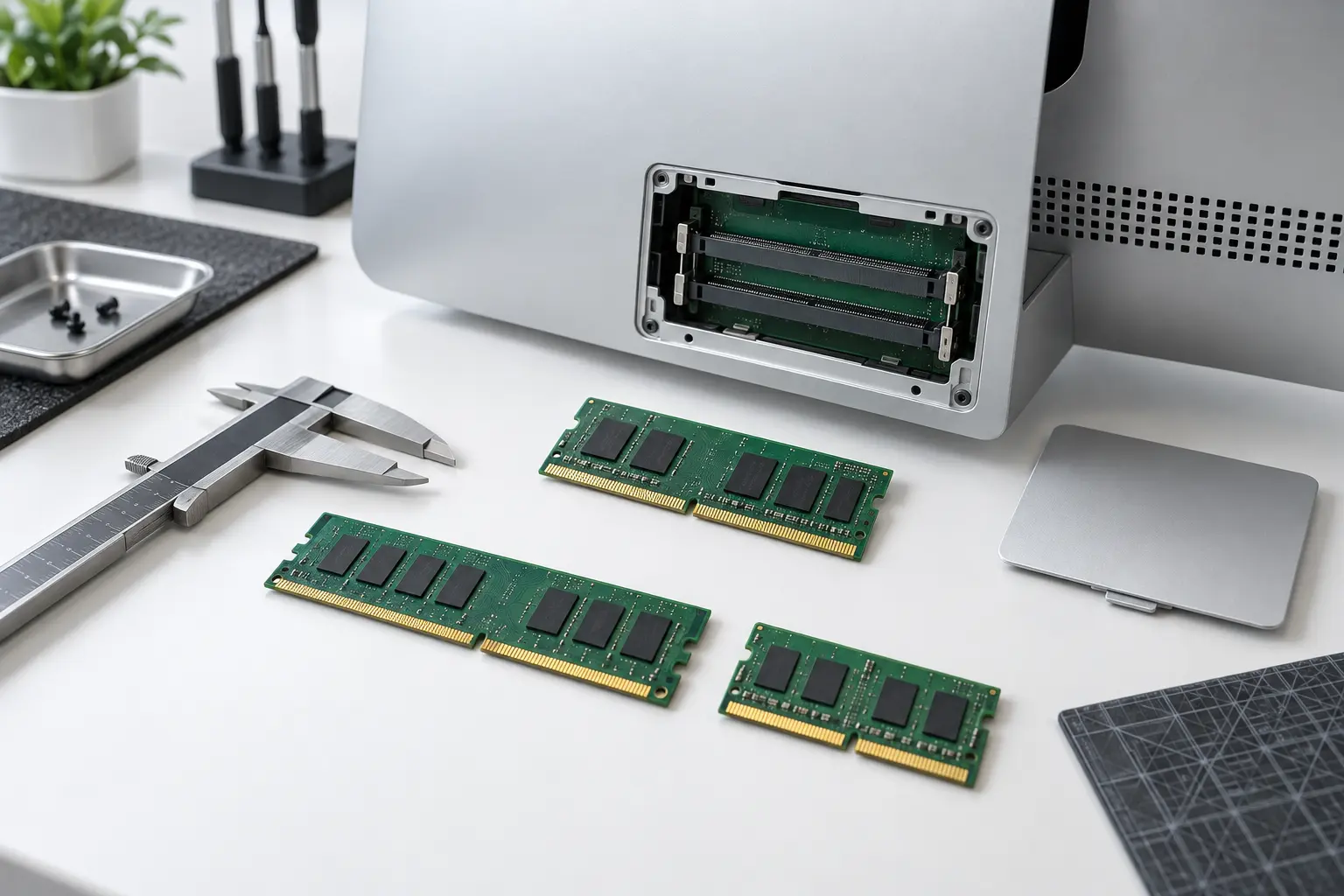
Certain 27-inch Intel iMacs include a rear memory door. Many 21.5-inch models require display removal, and Apple-silicon iMacs use integrated unified memory that cannot be upgraded after purchase.
Use matched compatible modules
Correct specification and stable combinations matter. A Mac may boot with mixed memory yet show intermittent errors under load. Run a memory test after installation.
Upgrade for the right workload
More RAM helps when memory pressure is high, especially with creative apps and many simultaneous tasks. It will not fix a failing drive, overheating or a runaway process.
When professional diagnosis saves time
Several Mac faults create the same visible symptom. A parts-only guess can add cost without solving the cause. Macbook Repair Shop in Tampa provides a free initial diagnostic and repair estimate for MacBook and iMac service. The shop is at 104 E Fletcher Ave, Tampa, FL 33612 and can be reached at (813) 461-4141.
Recommended next step: If the safe checks above do not identify a simple accessory or software issue, call Macbook Repair Shop before repeatedly powering, erasing or opening the device.