iMac Data Recovery: First Steps Before Repair
Make the right decision when an iMac will not boot, a drive clicks or files disappear.
Stop and seek help: Disconnect power if you notice battery swelling, liquid exposure, smoke, a burning smell, severe heat or damaged charging contacts.
Stop writing new data
Downloads, updates, repair installations and repeated boots can overwrite recoverable information or stress a failing disk. Minimize use once data loss is suspected.
Describe the failure accurately
Clicking, beeping, disappearing volumes, slow reads and a question-mark folder suggest different paths. Tell the technician whether the drive was encrypted and whether a backup exists.
Separate backup from recovery
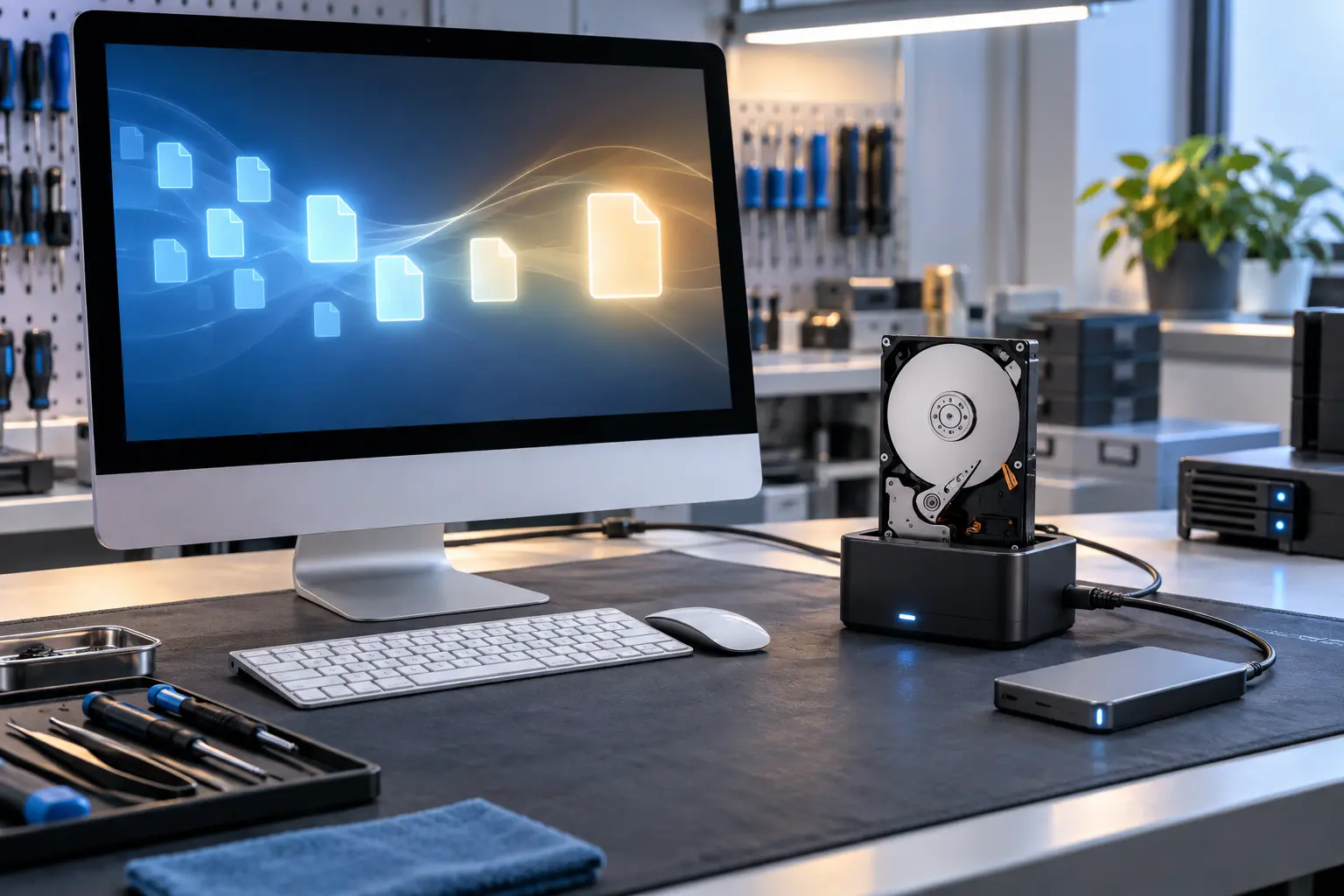
Copying readable files is backup or transfer work. Recovery begins when the source is corrupted, unstable, physically failing or inaccessible. The tools, time and price are different.
Set the priority clearly
Decide whether the goal is recovered files, a working iMac or both. Installing a new drive may restore the computer but does not by itself recover data from the failed source.
When professional diagnosis saves time
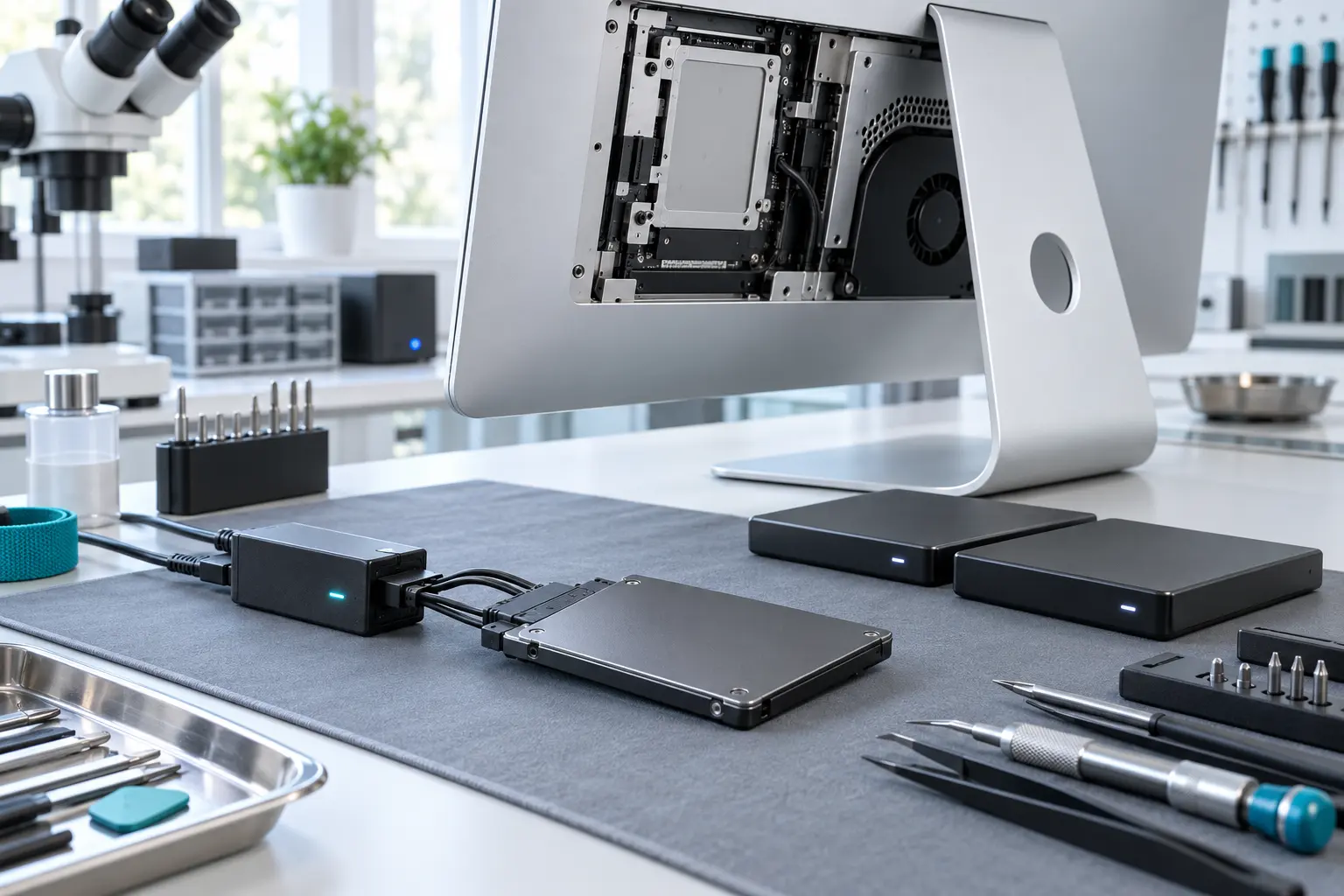
Several Mac faults create the same visible symptom. A parts-only guess can add cost without solving the cause. Macbook Repair Shop in Tampa provides a free initial diagnostic and repair estimate for MacBook and iMac service. The shop is at 104 E Fletcher Ave, Tampa, FL 33612 and can be reached at (813) 461-4141.
Recommended next step: If the safe checks above do not identify a simple accessory or software issue, call Macbook Repair Shop before repeatedly powering, erasing or opening the device.